
Did you know that a modern vehicle’s engine computer holds over 10 million lines of code? That’s more than some fighter jets. This complexity unlocks incredible potential for those who know how to access it.
We are entering an era where powerful computer programs have become essential for automotive professionals and enthusiasts. These applications allow you to unlock the full potential of modern vehicles. They transform how we approach engine optimization and customization.
ECU tuning, also known as engine remapping, is a revolutionary process. It modifies the vehicle’s Electronic Control Unit to enhance performance, fuel efficiency, and overall drivability. This applies to a wide spectrum of vehicle platforms.
The world of PC-based applications has evolved dramatically. Professionals now rely on sophisticated programs with advanced features. These functionalities enable precise control over engine parameters and performance characteristics.
We understand that choosing the right tool can feel overwhelming. The variety of options available is vast. This expert guide breaks down the most relevant options to help you make an informed decision based on your specific needs.
Key Takeaways
- Modern engine computers are highly complex, creating significant performance optimization opportunities.
- PC-based applications are now essential for serious automotive performance work.
- ECU tuning directly modifies engine computer parameters to improve various aspects of vehicle behavior.
- The available programs offer sophisticated features for precise control.
- Selecting the right solution requires careful consideration of your specific goals.
- This process represents a significant commitment to vehicle performance enhancement.
Overview of PC Tuning Software: Evolution and Trends
What began as rudimentary chip swapping in the 1980s has blossomed into a sophisticated digital craft that reshapes vehicle behavior. We’ve seen remarkable progress from basic hardware modifications to today’s advanced computer-based solutions.
The Rise of ECU Tuning and Custom Software
The evolution of engine optimization represents a significant shift in automotive technology. Early enthusiasts physically replaced chips to achieve modest gains. Today’s approach involves sophisticated software that accesses thousands of parameters.
Modern solutions provide unprecedented control over engine management systems. Professionals can now fine-tune everything from fuel delivery to transmission behavior. This digital transformation has revolutionized what’s possible with vehicle optimization.
How Technology Has Transformed PC Performance Tuning
Advanced algorithms now safeguard the reprogramming process, reducing risks significantly. Cloud-based updates and extensive vehicle databases support today’s professionals. These platforms combine user-friendly interfaces with powerful backend engines.
The technology democratizes access to professional-grade tools. Skilled practitioners achieve results that rival factory engineering teams. This represents decades of development culminating in reliable, versatile solutions.
Tuning Software for PC – the most relevant tools to consider
The digital revolution has brought professional-grade engine optimization capabilities directly to your desktop. These powerful applications bridge the gap between your computer and your vehicle’s brain.
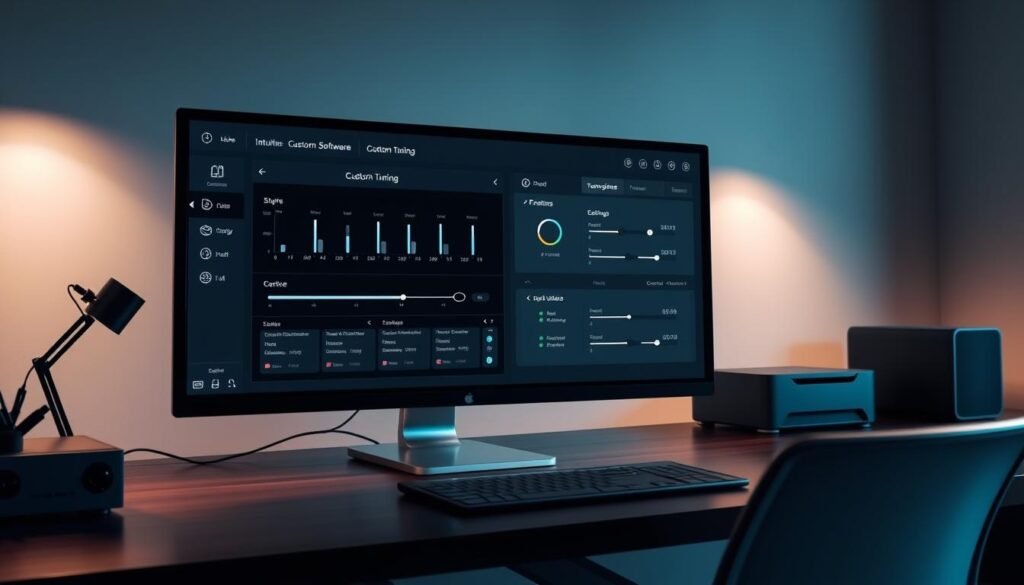
Benefits of Custom Tuning and Enhanced Vehicle Performance
Custom tuning delivers transformative improvements to your driving experience. You gain significant horsepower and torque increases while optimizing fuel efficiency.
The right application provides complete control over critical engine parameters. You can adjust fuel delivery, ignition timing, and transmission behavior for optimal performance.
Key Considerations for Choosing the Right Tool
Evaluate applications based on vehicle compatibility and ease of use. Consider the available tuning options and data logging capabilities.
Technical support quality and update frequency are crucial factors. The variety of tools ranges from enthusiast-friendly to professional-grade platforms.
Choose a solution that grows with your skills. This ensures your investment remains valuable as your expertise expands.
Key Data Logging, Diagnostic, and Performance Features
Professional-grade diagnostic and logging capabilities form the backbone of effective engine performance optimization strategies. These essential tools provide the insight needed to make informed calibration decisions.
Real-Time Data Logging Capabilities
Real-time data logging represents a critical advantage in modern optimization platforms. You can monitor hundreds of parameters simultaneously during actual driving conditions.
Comprehensive logging features capture essential metrics like air-fuel ratios and exhaust temperatures. This immediate feedback allows you to validate calibration changes confidently.
Advanced Diagnostic and Control Options
Sophisticated diagnostic functions extend beyond basic trouble code reading. You gain access to live data streaming and component activation tests.
These advanced features help identify performance issues before they become serious problems. We recommend platforms offering detailed system status information.
User-Friendly Interfaces and Custom Tuning Options
The interface design significantly impacts your workflow efficiency. Look for customizable dashboards and intuitive navigation.
Streamlined access to frequently used functions minimizes time spent searching through menus. Effective control over the logging process ensures optimal results.
Showcase of Top ECU Tuning & Remap Tools
Selecting the right engine management platform requires careful evaluation of several key manufacturers and their specialized offerings. We guide you through the leading options available today.
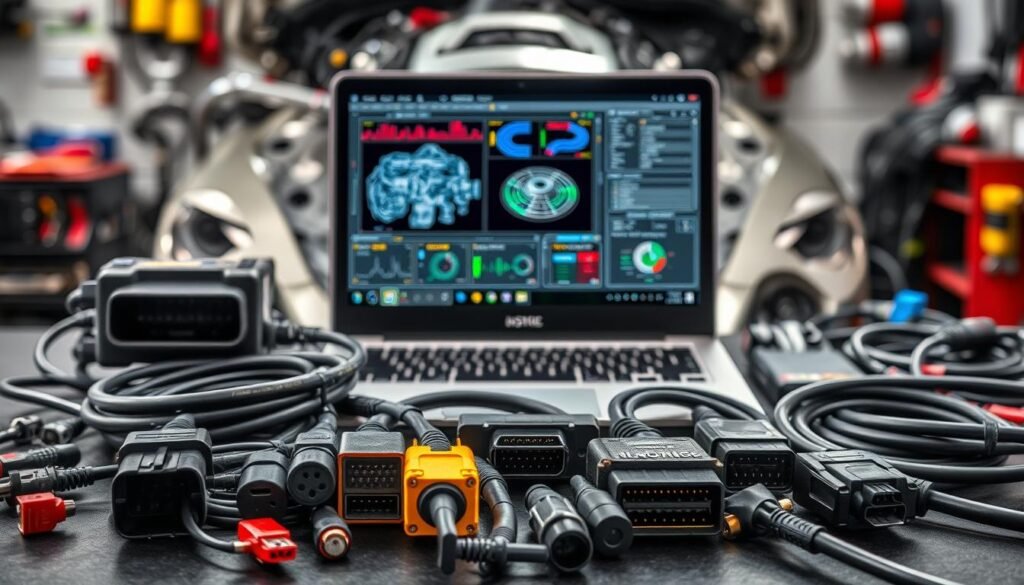
Each brand brings unique advantages to your ecu tuning workflow. Understanding their specialties helps you make informed decisions.
Insights on Alientech, Dimsport, and HP Tuners
Alientech stands out with their KESSv2 device that handles a wide range of vehicles. This tool excels at safe reading writing through the OBD-II port.
Dimsport’s Italian engineering shines in their New Genius device. It operates without a laptop, perfect for commercial applications.
HP Tuners supports domestic and import cars with comprehensive data logging. Their MPVI3 device offers exceptional diesel engine optimization.
Comparative Features of Cobb Accessport and EFI Live
Cobb Accessport connects directly to your vehicle’s diagnostic port. It provides pre-loaded custom tunes with remarkable ease use.
EFI Live delivers precision control for GM and Cummins platforms. The Auto Agent 3 device covers an impressive range of model years.
Evaluating Unique Offerings like MoTeC and CMD Flash
MoTeC serves motorsport professionals needing advanced customization. Their tools handle unique engine builds where standard solutions fall short.
CMD Flash brings Swiss precision to European vehicle programming. This device offers multiple connection methods for various ECU types.
Professional Perspectives and Support Considerations
Your choice should match your current needs and future growth. Consider vehicle coverage, connection methods, and technical support quality.
Manufacturers regularly update their tuning tools to support new models. This ensures your investment remains valuable as technology evolves.
Comparing OBD and Bench Programming Methods
Modern engine optimization relies on establishing reliable communication channels between your computer and the vehicle’s control systems. You’ll encounter two primary approaches that offer different levels of access and convenience.
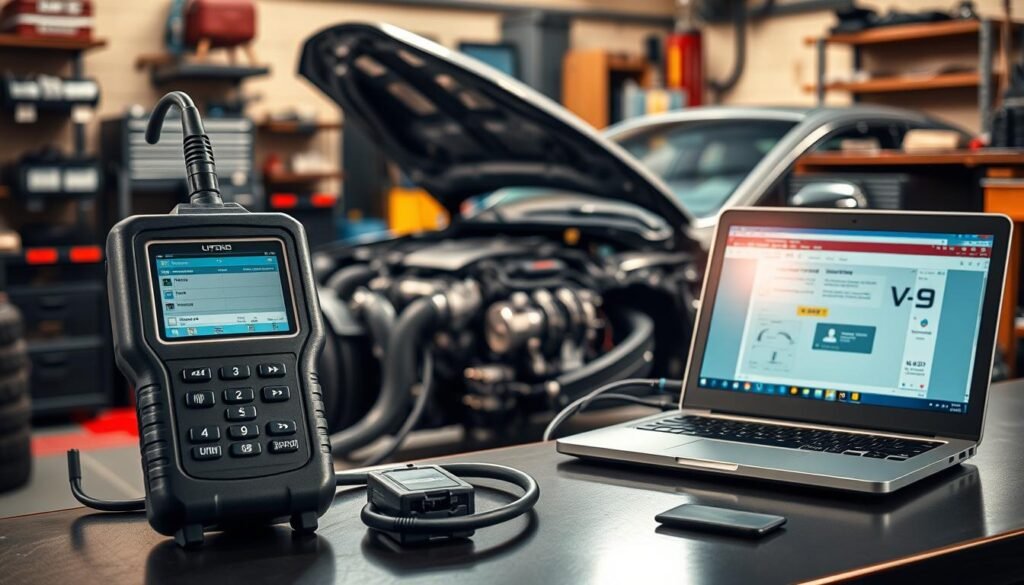
On-the-Go Tuning via OBD-II Port
The OBD-II port method represents the most convenient approach for engine optimization. You simply connect your programming device directly to the diagnostic port under the dashboard.
This process allows quick calibration updates without removing any components. It’s perfect for situations where time efficiency matters most for your workflow.
Bench Programming for Direct ECU Remapping
Bench programming becomes necessary when vehicles have enhanced security measures. This method requires removing the ECU from the vehicle and establishing direct connections.
You’ll need to connect power supplies and communication lines directly to the circuit board. This approach provides deeper access to restricted memory areas.
We recommend choosing a device that supports both connection methods. This flexibility ensures you can handle diverse vehicle platforms effectively.
Developing proficiency with both techniques prepares you for professional scenarios. Each method serves specific purposes in comprehensive engine performance work.
Conclusion
Your journey into professional automotive optimization begins with selecting the right digital platform. The wide range of available applications offers solutions for every skill level and vehicle type.
We encourage you to prioritize key features like robust data logging and comprehensive diagnostics. These capabilities provide essential insights for developing safe, reliable custom tunes.
Your chosen device represents a long-term partnership with ongoing updates and expanding vehicle support. Consider your specific objectives and select tools that align with your goals while allowing room for growth.
Professional tuners who invest in quality platforms and develop their skills will deliver exceptional results. You now possess the knowledge to make an informed decision that supports your performance ambitions.